
Getting Started
- Log into moonpay.hel.io with a wallet or email, then use Settings to finish your profile, set up wallets, and invite team members.
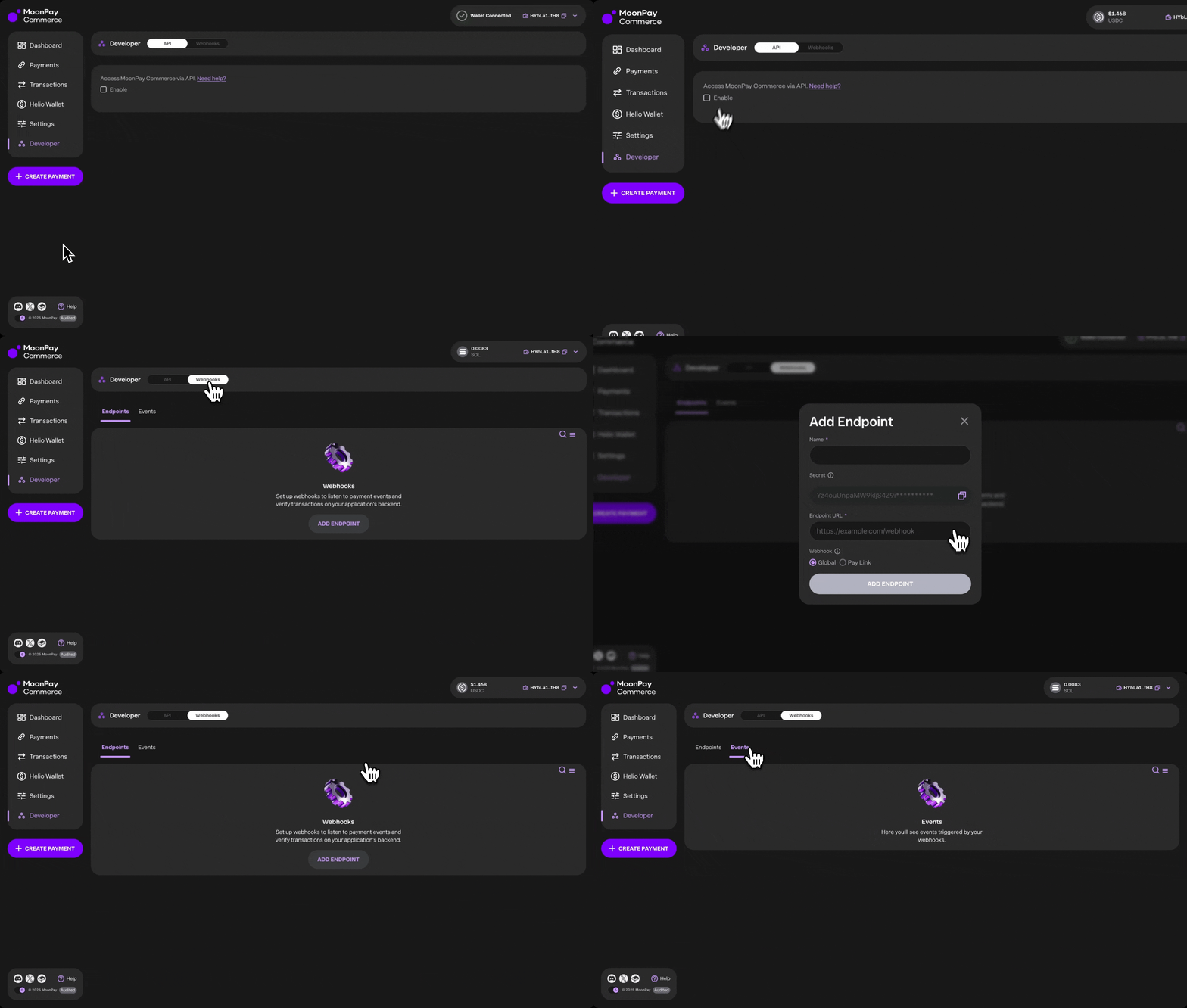
- The Developer section provides full access to MoonPay Commerce’s API and webhooks.
- Check out the API Reference for detailed endpoints, parameters, and response formats.
- Webhooks: The webhooks panel allows you to create new webhooks, track event deliveries, and replay failed events as needed.
MoonPay Commerce also provides an SDK for developers.
Staging
Devnet is no longer supported. All core platform features are now supported on mainnet and should be tested there. A staging environment is available for large Commerce customers to integrate with ahead of using production. We do advocate to test on mainnet/production where possible as this is the best experience for testing and integrating. Staging is at https://commerce.moonpay-staging.com, where you can test using real mainnet funds. If you require access, contact commerce@moonpay.com to enquire about being granted access.Payment Integration Options
Developers can initiate payments using two primary methods: Pay Links (viapaylinkId) for structured checkouts, or Deposits (via depositId) for flexible, wallet-to-wallet transfers in any crypto.
Pay Links: Generate via API to configure product details, pricing, themes, and redirect URLs.
- Dynamic Pay Links: For flexible pricing, set
"dynamic": truein the features object. This allows you to define the specificamountat the time of payment / charge creation rather than use the same fixed price at thepaylinkIdlevel. - Charges: Use a
paylinkIdto create one-off Charges for single-use payments. You can pass custom JSON (e.g., customer IDs or SKU data) with each request. - Subscriptions: Programmatically manage recurring billing with full control over intervals, grace periods, and renewal reminders.
depositCustomersand associated deposit addresses across SVM, EVM, and BTC networks. This method is optimized for letting users fund your app with any crypto, ideal for gaming deposits, embedded wallets & trading apps.
Embed Widgets
- Embed a
paylinkIdas a Checkout Widget in your application for a seamless payment experience. The widget supports customisation and integrates with all the same features as Pay Links. - Embed a
depositIdas a Deposit Widget in your app
Test and customise your configurations with our easy to use Widget Builder
Transaction Management
Using the API, you can export all transactions from your account and apply filters such aspaylinkId or depositId, sender key, or date range. This makes it easy to build custom reporting or integrate transaction data into your own systems. See txs endpoint for depositId and paylinkId.