
paylinkId. They’re ideal for mobile-first flows, QR codes, deep linking, embedded pay buttons, and custom e-commerce integrations.
Using the API to create charges you can:
- Dynamically set the price of each checkout using the
requestAmountparameter. - Pass through custom metadata with additionalJSON in the
customerDetailsobject. - Trigger a card-only payment flow by appending
?cardonly=trueto the charge URL.
Using additionalJSON in Your Request:
You can use the additionalJSON field within the customerDetails object to include any extra information you’d like to pass along with your payment request. Example Request Body:Trigger Pay with Card via Charge
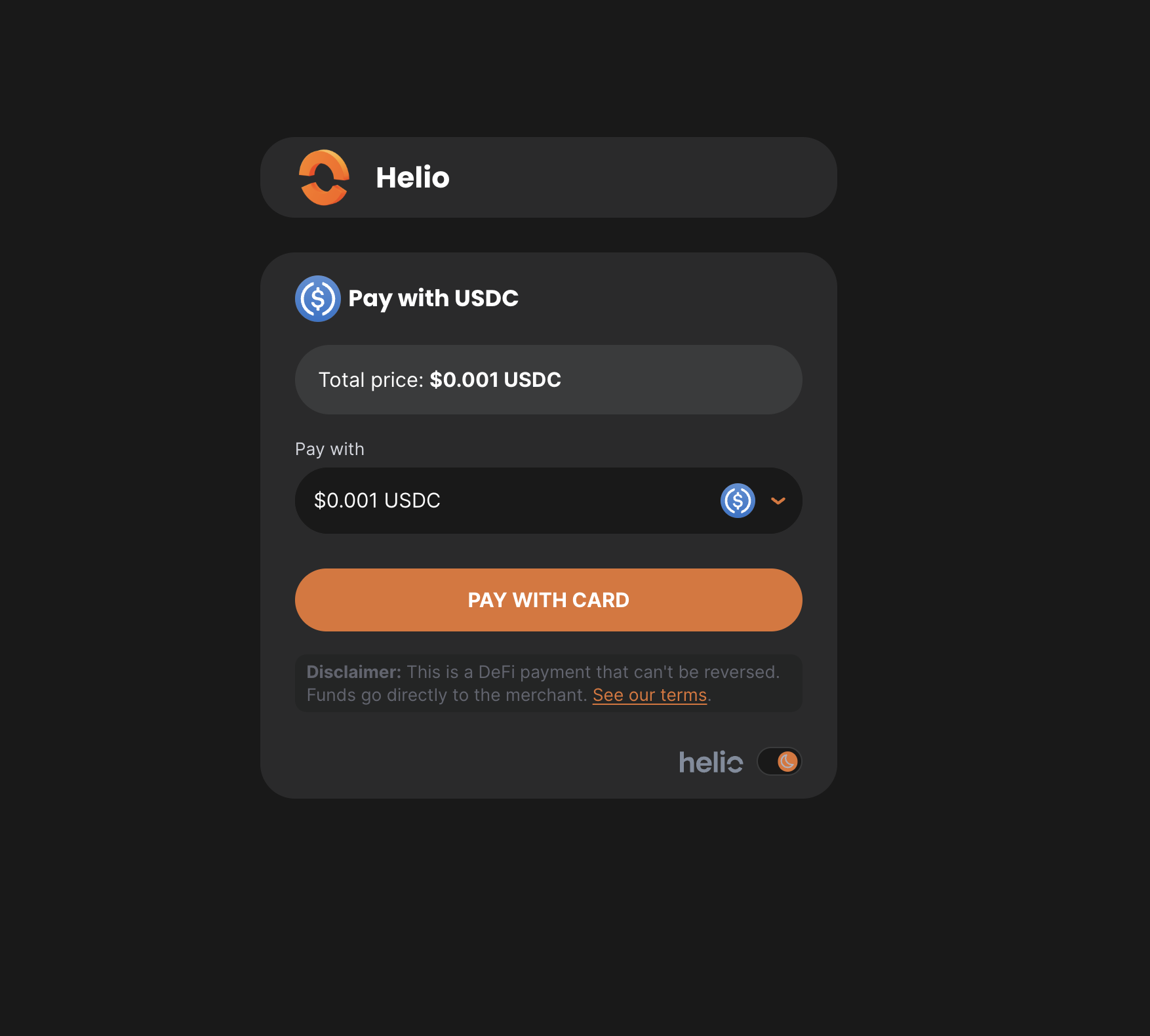
To trigger the Pay with Card flow directly from a charge page, simply append the query parameter?cardonly=true to the end of the charge URL.
This will automatically launch the card payment flow without requiring the user to connect a Web3 wallet, which is useful for streamlining checkout for non-crypto users, enabling faster payments, or setting card as the default in your payment flow.
Example:
Polling Charge Status
To track whether a charge has been paid, poll Get Charge Status with the charge token. Authenticate with the same API key and secret you use to create charges. The response is the same as Get a Charge by ID; once the charge is paid, transaction details appear underpaylinkTx.
PAYLINK_READ permission (or admin access). Only charges created under your account are returned; any other token returns 401.
Rate Limits
Your account may have a custom limit on the authenticated endpoint. Contact support if you need a higher limit.
Handling 429 Responses
When you exceed a limit, the API returns 429 with this body:
- Back off for a few seconds before retrying, and reduce your polling rate.
- Spread polls evenly across the minute rather than sending them in bursts.
- Stop polling a charge once it is paid or expired.